
The Paper Trail That Protects You: Receipts, Confirmations, and Warranty Cards

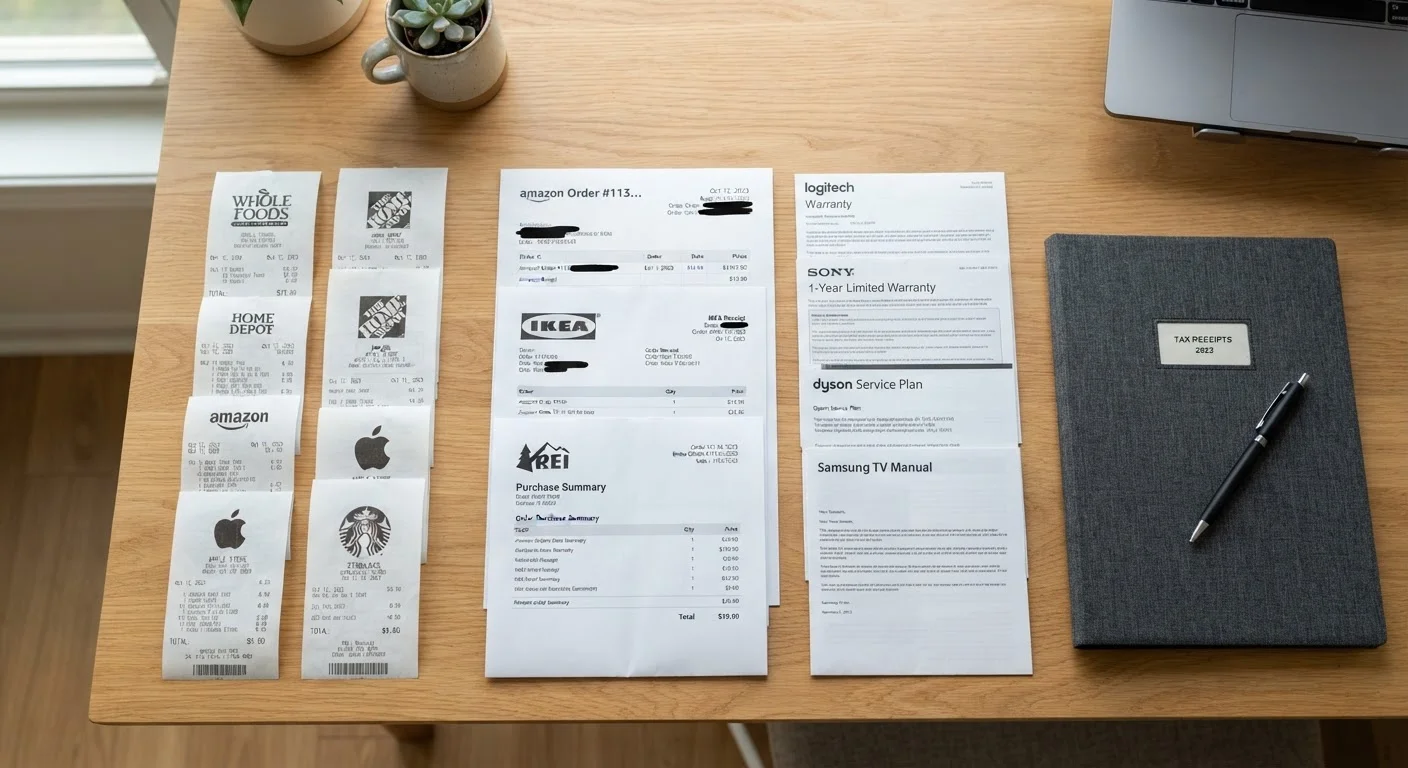
Photo: InDepthReads.com | Streamlining Learning For All editorial
Key Takeaways
- Not every post-purchase document is worth keeping-knowing which ones matter saves clutter and protects your rights.
- Digital copies of receipts and confirmations are just as valid as paper for most retailer and warranty claims.
- Retention windows vary: store receipts may matter for 90 days, but warranty records can be relevant for years.
- Registering a warranty and keeping proof of purchase are two separate steps-both often required to make a claim.
- Credit card statements alone rarely satisfy a warranty or return claim; the original receipt is usually required.
Why Your Post-Purchase Documents Actually Matter
Most shoppers toss receipts before they've left the parking lot. That habit becomes expensive the moment a product fails, a charge is disputed, or a return window is questioned. The documents you collect after a purchase are your primary evidence in any dispute with a retailer, manufacturer, or payment processor.
This isn't about hoarding paper. It's about knowing which documents carry legal and practical weight-and for how long. Under U.S. consumer protection frameworks, proof of purchase is the foundation of nearly every protection you're entitled to: returns, warranty repairs, chargeback disputes, and product recall reimbursements all require it. See our overview of post-purchase consumer rights for more on what federal and state law actually covers.
The checklist below walks you through exactly what to save, where to save it, and how long it's worth keeping.
Cloud storage service (e.g., Google Drive, iCloud, Dropbox)
Store scanned receipts, order confirmations, and warranty documents in an accessible, backed-up location.
Smartphone camera or scanning app
Digitize paper receipts and warranty cards before they fade or get lost.
Dedicated email folder or label system
Organize digital order confirmations and shipping notifications so they're retrievable during a dispute.
Physical accordion folder or binder
Store original paper receipts and warranty cards for major appliances or purchases where originals may be required.
Calendar app
Set reminders for return window deadlines and warranty expiration dates.
The Post-Purchase Document Checklist
Work through these grouped items immediately after a significant purchase-and revisit once a year to purge what's expired and confirm what's still needed.
At the Point of Purchase
Warranty and Registration
Digital Organization
Ongoing Maintenance and Purging
Thermal Receipts Fade Quickly
For purchases tied to a budget, pairing this habit with a broader tracking system pays off. Our guide on spending tracking habits that actually stick covers methods that integrate naturally with document retention.
How Long to Keep Each Document Type
Retention windows are not one-size-fits-all. Here's a practical breakdown:
- Store and online receipts: Keep until the return window closes, or 90 days minimum for everyday purchases.
- Warranty cards and registration confirmations: Keep for the full warranty period plus one year as a buffer.
- Extended warranty contracts: Keep until coverage lapses and any disputes are resolved.
- Order confirmations and shipping emails: Keep until the item arrives in acceptable condition and the return window has passed.
- Credit card statements showing a purchase: Keep for 12-18 months for dispute reference, but note these do not replace original receipts for warranty or return purposes.
- Appliance and electronics manuals with serial numbers: Keep for the lifetime of the product.
If you're evaluating what a return policy actually covers before buying, our guide on decoding a return policy before you reach the register explains what to look for.
Warranty Registration Is Not the Same as Proof of Purchase
The content on this site is for informational purposes only and is not a substitute for professional advice. Always consult a qualified professional for guidance specific to your situation.