
The Truth Behind Common Battery Life Myths

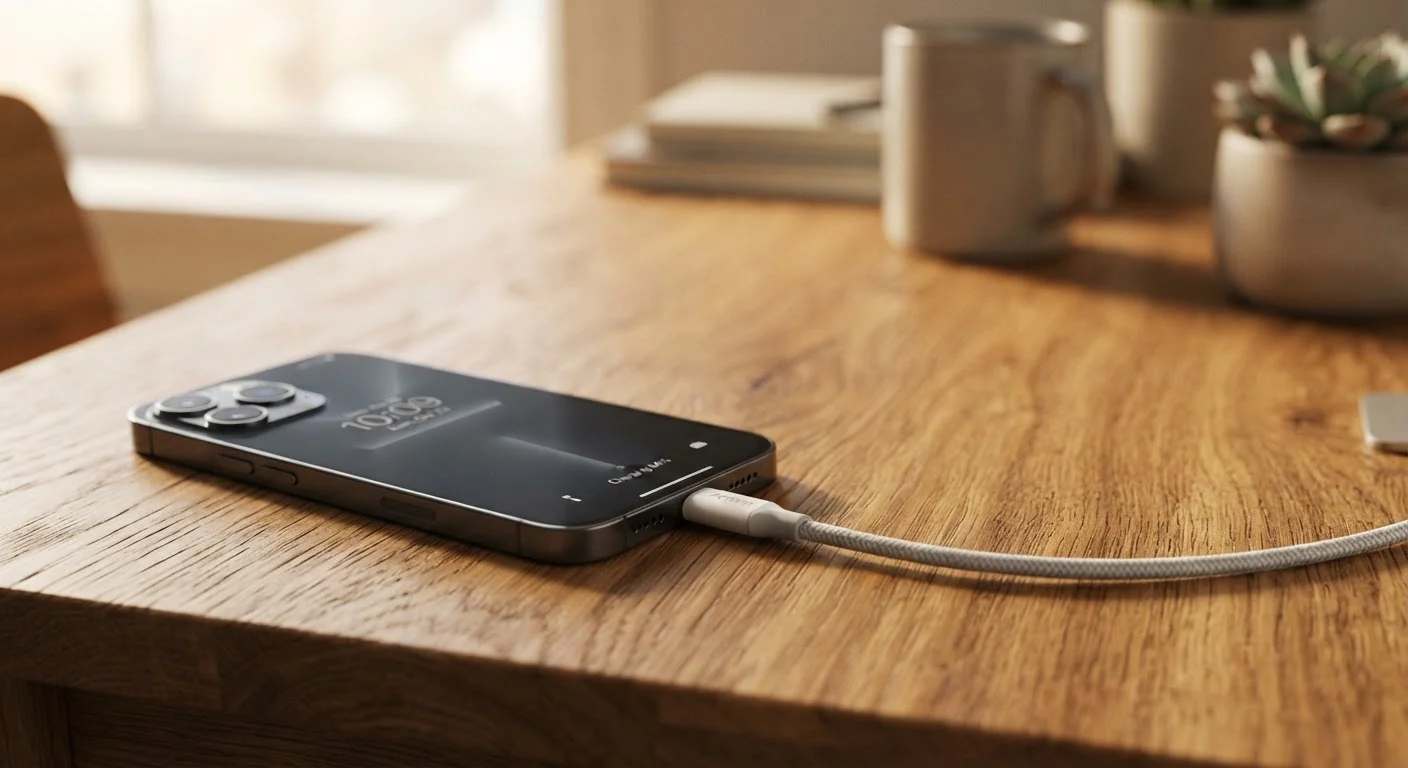
Photo: InDepthReads.com | Streamlining Learning For All editorial
Key Takeaways
- Draining your lithium-ion battery to zero before charging actually shortens its lifespan.
- Leaving a modern device plugged in overnight is generally safe due to built-in charge management circuits.
- Keeping your battery between 20% and 80% charge is the most effective longevity strategy.
- Heat - not charging frequency - is the single biggest threat to long-term battery health.
- Charge cycles count full 0-100% charges; many partial top-ups extend overall battery life.
Why Battery Myths Persist
Battery advice passed between friends, repeated in online forums, and copied from decade-old tech guides has a stubborn shelf life. The trouble is that much of it was written for an older generation of rechargeable batteries - nickel-cadmium (NiCd) cells - whose chemistry behaved very differently from the lithium-ion (Li-ion) and lithium-polymer (LiPo) batteries inside virtually every modern smartphone, laptop, and wireless earbud sold today.
Nickel-cadmium cells genuinely suffered from a "memory effect" that rewarded full discharge cycles. Lithium-based batteries do not share this trait, yet the old rules get recycled anyway. The result is a collection of habits that, at best, waste your time and, at worst, quietly degrade the battery you're trying to protect. Understanding what the chemistry actually requires lets you make smarter, low-effort choices that extend the life of your devices. For a broader look at how aging affects performance across your whole device, see our guide to why gadgets slow down over time.
Myth
You should fully drain your battery to 0% before recharging it.
Fact
Deep discharges stress lithium-ion cells and reduce their total number of usable charge cycles.
This rule originated with nickel-cadmium batteries, which developed a "memory effect" if repeatedly charged from a partial state. Lithium-ion batteries have no such memory. In fact, discharging a Li-ion cell to zero puts it into a low-voltage state that accelerates chemical degradation. Manufacturers and battery researchers consistently recommend partial top-ups over full drain-and-recharge cycles for modern devices.
Myth
Leaving your phone plugged in overnight will overcharge and damage the battery.
Fact
Modern devices contain charge management circuits that stop drawing power once the battery reaches 100%.
Smartphones, laptops, and tablets sold today include dedicated battery management integrated circuits (ICs) that automatically taper and then halt charging when full capacity is reached. The device then runs on direct power from the adapter rather than cycling through the battery. Overnight charging is not inherently harmful, though keeping the battery sitting at 100% for extended periods does create minor additional stress - which is why some manufacturers offer "optimized charging" features that pause at 80% overnight.
Myth
More charge cycles equal faster battery death - so you should charge as rarely as possible.
Fact
Charge cycles are defined by cumulative capacity used, not by how many times you plug in.
One full charge cycle equals 100% of battery capacity discharged - whether that happens in one session going from 100% to 0%, or across multiple partial top-ups adding up to 100%. Plugging in frequently for small top-ups doesn't "use up" extra cycles. In fact, keeping the battery in a moderate state of charge through frequent small charges is gentler on the cells than allowing deep, prolonged discharges.
Myth
Using your phone while it charges damages the battery faster.
Fact
Normal use during charging is safe; the risk, when it exists, comes from heat, not the act of simultaneous use itself.
Running demanding apps - especially graphics-intensive games or video streaming - while fast charging can cause the device to run warm, since it's generating heat from both processing and charging simultaneously. That heat is the actual concern, not the electrical act of charging and discharging at the same time. For typical tasks like browsing or messaging, there is no meaningful additional wear. If your device becomes uncomfortably hot, pausing intensive activity or switching to a slower charger is a sensible precaution.
Myth
Cold storage fully preserves a battery indefinitely.
Fact
Cool temperatures slow battery degradation, but extremely cold storage can cause irreversible capacity loss.
Storing a device in a cool, dry environment does reduce the rate of lithium-ion self-discharge and chemical aging - which is why manufacturers often recommend storing devices intended for long-term storage at around 50% charge in a temperate location. However, sub-freezing temperatures can damage battery cells and temporarily or permanently reduce capacity. Room temperature or slightly below (around 60-70°F / 15-21°C) is the practical sweet spot for devices not in regular use.
Charging Habits That Actually Matter
Once you've cleared away the myths, a few practical principles stand out. The most actionable one is the 20-80 rule: try to keep your battery above 20% and avoid routinely charging above 80%. Many devices now include a setting specifically for this - sometimes labeled "optimized charging" or "battery care mode." Enabling it is one of the simplest things you can do for long-term battery health.
300-500
Typical full charge cycles before noticeable capacity loss
Battery manufacturers generally rate lithium-ion cells for 300 to 500 full cycles before capacity drops to around 80% of original - partial cycling extends this range significantly.
~20%
Capacity loss from heat exposure during storage
Studies on lithium-ion cell degradation show that storing batteries at elevated temperatures (around 140°F / 60°C) can cause roughly 20% capacity loss within a year, compared to minimal loss at room temperature.
Heat management matters just as much as charge level. Avoid leaving devices in direct sunlight, on hot car dashboards, or under pillows while charging. Using a case that traps heat during intensive use or fast charging can also accelerate wear. If your device feels very warm during a charge, it's worth removing the case temporarily.
Finally, fast charging is a convenience tool, not a daily necessity. Standard-speed charging generates less heat and is easier on battery chemistry over the long run. Reserve fast charging for when you genuinely need it, rather than using it by default every cycle. For related habits that apply to portable chargers and power banks, see our article on mistakes that shorten the life of portable chargers.
Battery Health Is Cumulative - Small Habits Add Up
The content on this site is for informational purposes only and is not a substitute for professional advice. Always consult a qualified professional for guidance specific to your situation.