
Understanding Refresh Rate: What 60Hz vs. 120Hz Feels Like in Practice

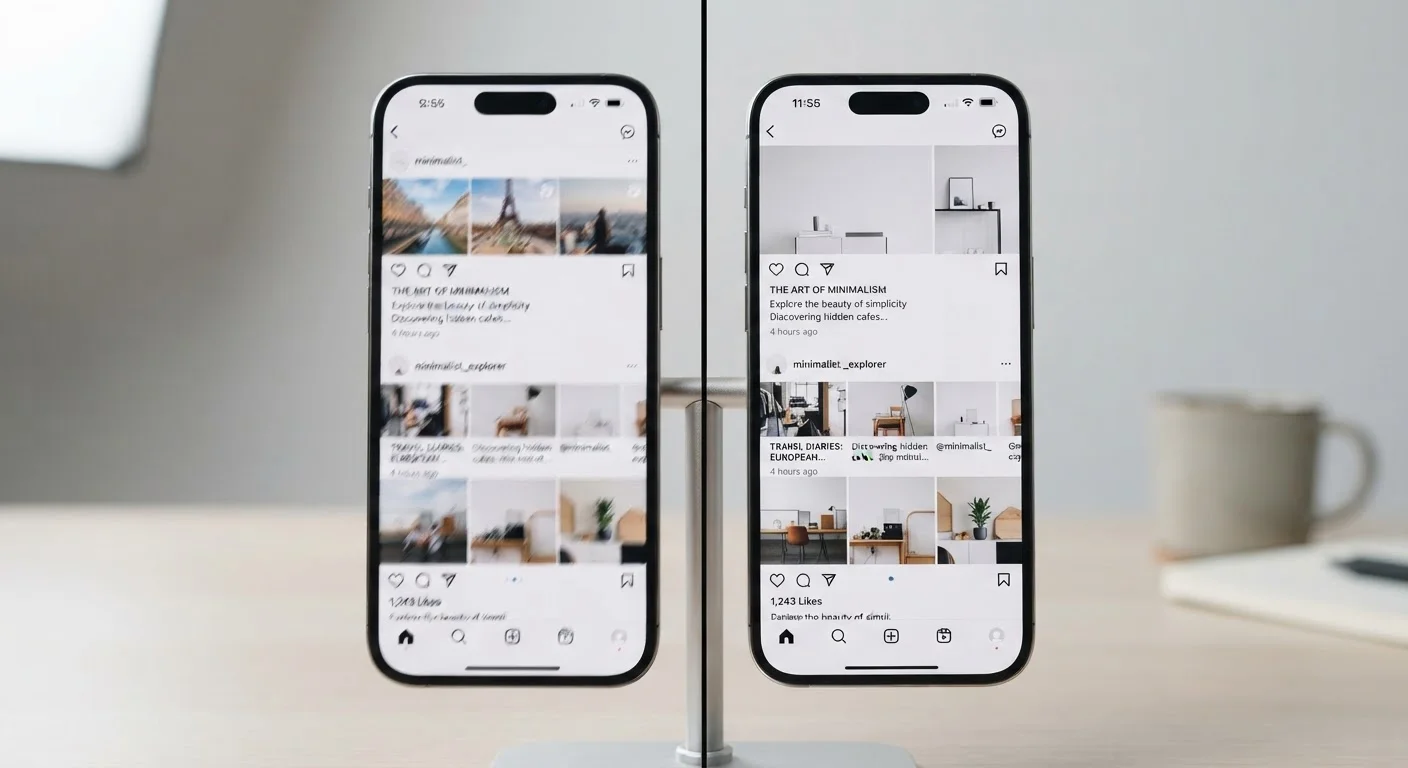
Photo: InDepthReads.com | Streamlining Learning For All editorial
Key Takeaways
- Refresh rate measures how many times per second a screen redraws its image - higher means smoother motion.
- 60Hz is adequate for video, reading, and casual use; 120Hz delivers a tangible smoothness advantage during scrolling and gaming.
- The difference is most obvious when moving content quickly across the screen, such as swiping or fast camera pans.
- 120Hz displays typically consume more battery power, which matters more on phones and laptops than on TVs.
- Your content source must also support high frame rates for a 120Hz screen to show its full advantage.
What Refresh Rate Actually Means
Refresh rate, measured in hertz (Hz), describes how many times per second a display redraws the image it's showing. A 60Hz screen refreshes 60 times per second; a 120Hz screen does it 120 times. Think of it like a flipbook - more pages per second means smoother, more continuous motion.
This is distinct from resolution, which describes pixel count and sharpness. You can have a razor-sharp 4K panel at 60Hz or a modest-resolution panel at 120Hz. The two specs address different aspects of what you see. For a deeper look at how resolution fits into the picture, see our guide to screen resolution.
The most important nuance: refresh rate and frame rate are related but not the same. The refresh rate is a hardware ceiling - it's the maximum your screen can display. The frame rate is how many frames your device's processor is actually sending. A 120Hz display showing a 30fps video still only looks like 30fps video.
How 60Hz and 120Hz Actually Feel Different
For static content - a document, a photo, a paused video - 60Hz and 120Hz look identical. The gap emerges the moment things move.
Scrolling: This is where most people notice the difference first. At 60Hz, fast-scrolling text can appear slightly blurry or stuttery. At 120Hz, the same text stays sharp and the motion feels physically lighter, almost frictionless. Most people who switch from 60Hz to 120Hz on a phone describe the scrolling sensation as the single biggest perceptible change.
Gaming: With compatible games and hardware, 120Hz delivers a measurably lower response time between your input and the on-screen result. Animations are smoother, and fast-moving objects - a racing car, a flying bullet - appear with less motion blur and trailing.
Video: Most streaming content is encoded at 24fps or 30fps, and even live broadcasts rarely exceed 60fps. Watching a standard film or TV show on a 120Hz screen delivers no visible advantage from the higher refresh rate alone. Some streaming services do offer 60fps content; for details on how encoding and bandwidth shape what you see, our streaming quality explainer covers that thoroughly.
| Criterion | 60Hz | 120Hz |
|---|---|---|
| Refreshes per second | 60 times | 120 times |
| Scrolling smoothness | Adequate; slight blur at speed | Noticeably sharper and fluid |
| Gaming responsiveness | Standard; higher input lag | Improved; lower perceived lag |
| Standard video (24-60fps) | No visual disadvantage | No additional benefit |
| Battery impact (mobile) | Lower power draw | Higher power draw |
| Typical availability | Entry to mid-range devices | Mid-range to premium devices |
The Trade-offs Worth Knowing
No display spec is purely positive - there are real trade-offs to understand before deciding which matters to you.
120Hz
Refresh rate now standard on many flagship phones
As of recent product generations, 120Hz has become a common inclusion on mid-range and premium smartphones across major manufacturers.
~16.7ms
Time between frames at 60Hz
At 60Hz, each frame lasts approximately 16.7 milliseconds; at 120Hz, that drops to roughly 8.3ms - halving the window for motion artifacts.
24-30fps
Typical frame rate of streaming video
Most theatrical and streaming content is mastered at 24fps or 30fps, meaning refresh rate beyond 60Hz offers no benefit for that content type.
Power consumption: A display refreshing twice as often draws more energy. On smartphones, this can meaningfully reduce battery life. This is why many modern high-refresh-rate phones use adaptive refresh rate technology - dynamically scaling between low and high Hz based on what's on screen, which softens the battery penalty.
Cost: Panels capable of 120Hz carry a manufacturing premium that typically appears in the device's price. Whether that premium is worth it depends entirely on how you use the device.
Content availability: The smoothness of 120Hz is only fully realized when your content runs at a matching frame rate. Operating system animations and supported games will look noticeably better; standard video content will not. Your experience will vary based on your typical use pattern, not just the screen's spec sheet.
Adaptive Refresh Rate: A Middle Ground
The content on this site is for informational purposes only and is not a substitute for professional advice. Always consult a qualified professional for guidance specific to your situation.