
Wi-Fi vs. Ethernet: When a Wired Connection Still Wins

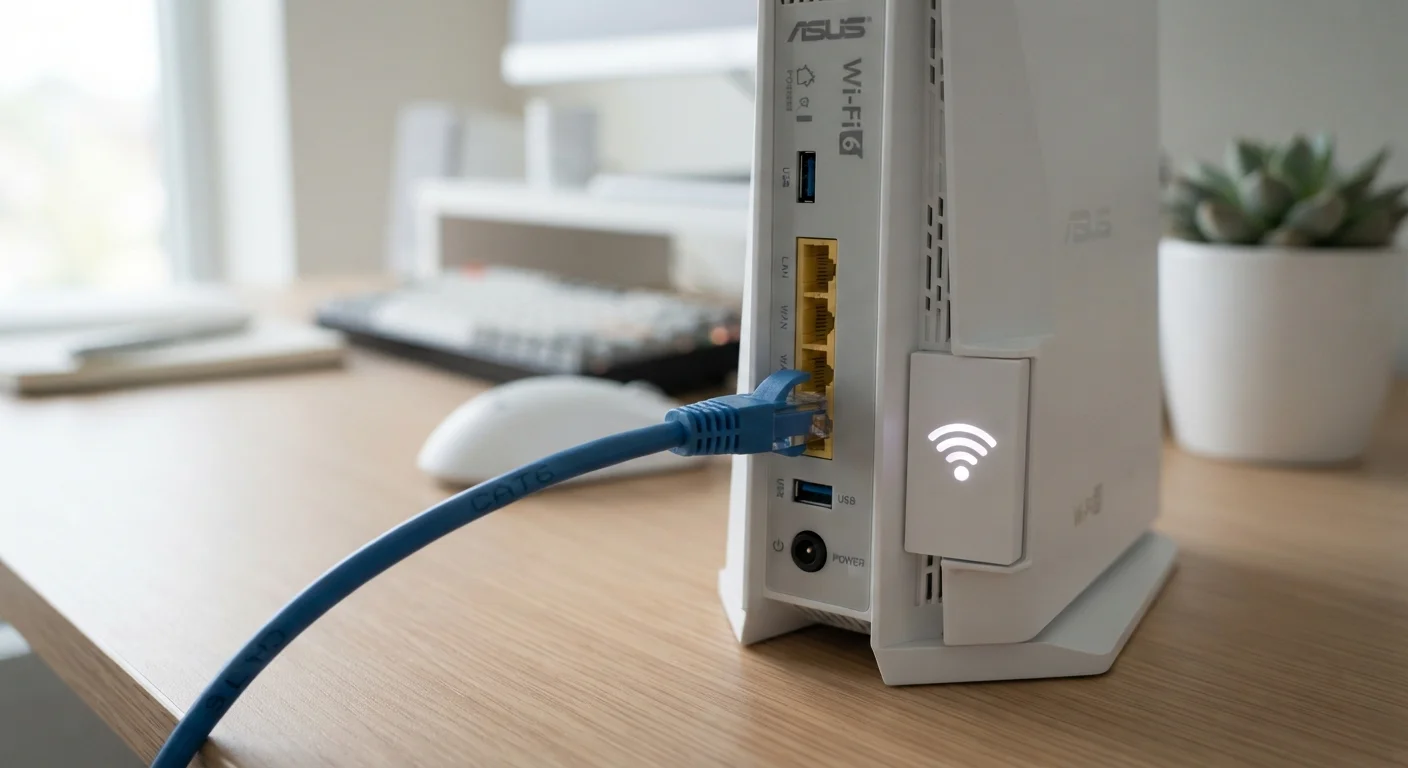
Photo: InDepthReads.com | Streamlining Learning For All editorial
Key Takeaways
- Ethernet consistently delivers faster speeds and lower latency than Wi-Fi under real-world conditions.
- Wi-Fi has improved dramatically with Wi-Fi 6 and 6E, but physical walls and interference still degrade performance.
- Latency - not just speed - is the critical factor for gaming, video calls, and real-time applications.
- Ethernet remains the more secure option since it requires physical access to intercept traffic.
- For most smart home devices and casual browsing, Wi-Fi is entirely sufficient.
The Core Difference: How Each Connection Works
Wi-Fi transmits data using radio waves, allowing devices to connect to a network without physical cables. Ethernet, by contrast, uses a physical cable - typically a Cat5e, Cat6, or Cat6a cable - to create a direct link between a device and a router or network switch.
That physical link is the source of Ethernet's key advantages. Radio signals are subject to interference from walls, appliances, neighboring networks, and simple distance. A cable is not. This difference in the transmission medium is why Ethernet consistently outperforms Wi-Fi in reliability tests, even when raw speed numbers on paper look comparable.
Modern Wi-Fi standards - particularly Wi-Fi 6 (802.11ax) and the newer Wi-Fi 6E, which uses the less congested 6 GHz band - have narrowed the gap significantly. But "narrowing the gap" is not the same as closing it, and in demanding scenarios the distinction still matters.
| Criterion | Wi-Fi | Ethernet |
|---|---|---|
| Typical Latency | 10-50ms (variable) | 1-5ms (consistent) |
| Max Theoretical Speed | Up to 9.6 Gbps (Wi-Fi 6) | Up to 10 Gbps (Cat6a) |
| Real-World Reliability | Subject to interference | Stable and consistent |
| Installation Effort | Minimal - router only | Cables required |
| Device Mobility | Full mobility | Tethered to cable |
| Security | Encrypted, but airborne | Requires physical access |
| Best Use Case | Mobile devices, smart home | Gaming, home office, streaming |
Speed, Latency, and Reliability: Where the Numbers Actually Matter
Speed is the figure most people focus on, but latency - the time it takes for a data packet to travel from your device to a server and back - is often more important for day-to-day experience. For online gaming, video calls, and real-time collaboration tools, high latency causes lag and poor performance even if your download speed looks impressive.
Ethernet typically delivers latency in the single-digit milliseconds range under normal home conditions. Wi-Fi latency varies more widely depending on signal strength, congestion, and the number of devices connected to the same network.
~5ms
Typical Ethernet latency in home networks
Industry testing consistently shows wired connections achieve latency several times lower than wireless under equivalent conditions.
30-40%
Potential Wi-Fi speed loss through walls
Signal attenuation through standard interior walls can reduce effective Wi-Fi throughput significantly depending on wall material and distance.
Wi-Fi 6E
Latest mainstream Wi-Fi standard
Wi-Fi 6E adds the 6 GHz band to reduce congestion, but device and router support is still expanding across the consumer market.
Reliability is another dimension where wired connections hold an edge. Wi-Fi performance fluctuates throughout the day as more devices connect, interference increases, or the router's radio channels become congested. Ethernet connections deliver consistent throughput because none of those variables apply.
Security and Practical Considerations
Ethernet has a meaningful security advantage that is easy to overlook: intercepting a wired connection requires physical access to the cable or a device on the network. Wi-Fi signals broadcast through walls and can, in principle, be intercepted by anyone within range. Modern WPA3 encryption has made Wi-Fi significantly more secure, but a wired connection remains the more locked-down option for sensitive tasks.
Practically speaking, the main limitation of Ethernet is installation. Running cables through walls, across floors, or between rooms requires planning and, in some cases, professional help. For renters or those in older homes, this can be a genuine barrier.
Wi-Fi, by contrast, requires no installation beyond placing a router. This makes it the clear choice for any device that moves around - laptops, phones, tablets - and for connected devices like those discussed in our look at smart home devices and their trade-offs, where wiring every sensor or bulb simply isn't feasible.
This article is for general informational purposes only. Network performance varies based on hardware, environment, and individual setup conditions.
The content on this site is for informational purposes only and is not a substitute for professional advice. Always consult a qualified professional for guidance specific to your situation.