
What 'MHz' and 'GHz' Actually Mean for Your Devices

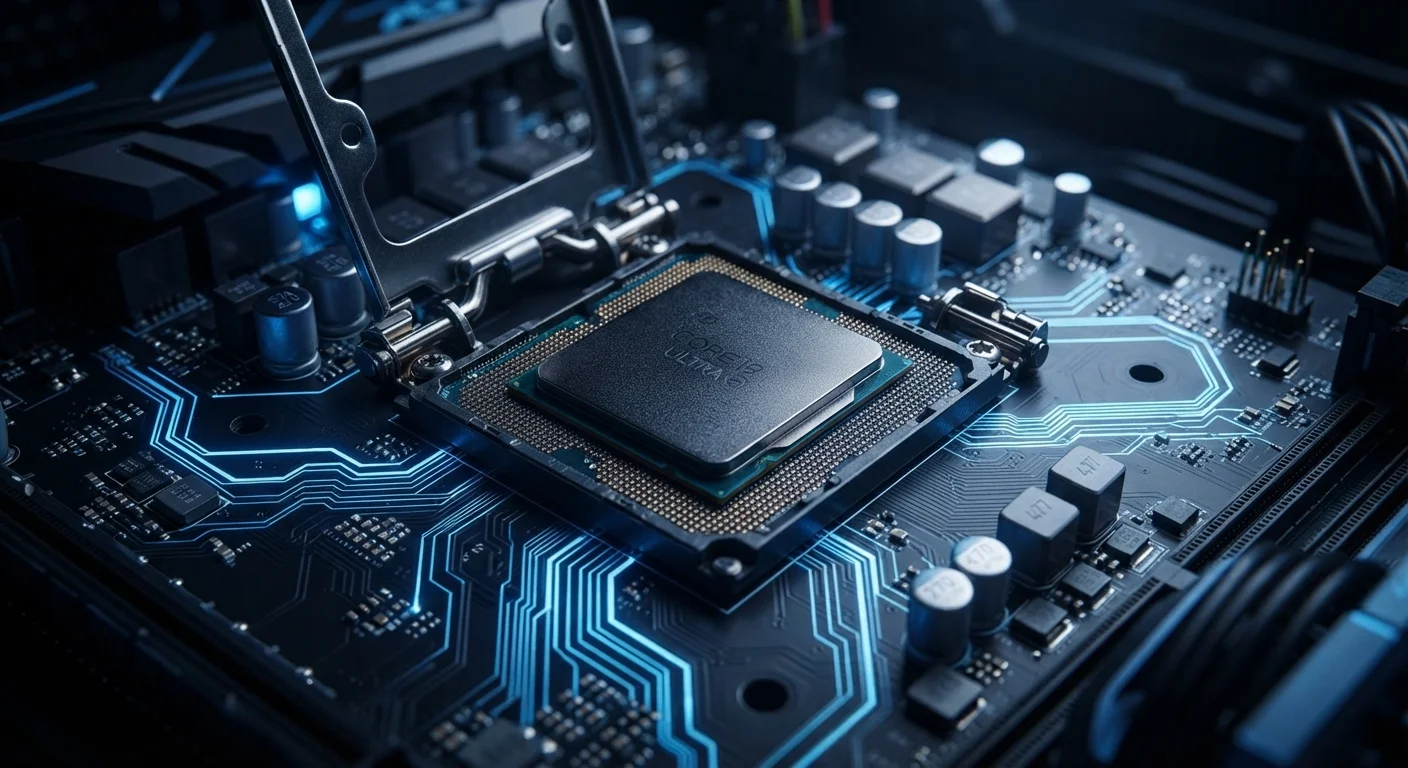
Photo: InDepthReads.com | Streamlining Learning For All editorial
Key Takeaways
- MHz and GHz measure how many processing cycles a chip completes each second.
- 1 GHz equals 1,000 MHz - a tenfold jump in measurement scale.
- Higher clock speed generally means faster processing, but it is not the only factor.
- Clock speed matters differently depending on the device - a router operates at lower GHz than a laptop CPU.
- Architecture, core count, and software efficiency all shape real-world speed alongside GHz.
The Basics: What a Hertz Actually Measures
A hertz (Hz) is simply a unit of frequency - it counts how many times something repeats in one second. In electronics, that "something" is a processor's clock cycle: a tiny pulse of electricity that triggers the chip to perform one step of a computation.
Stack a million of those pulses per second and you have 1 MHz. Stack a billion and you have 1 GHz. The "mega" and "giga" prefixes follow the same logic as megabytes and gigabytes - they are just multipliers.
Think of it like a metronome. A processor running at 3.0 GHz completes three billion ticks every second, and with each tick it can process a set of instructions. The faster the metronome, the more work gets done in the same amount of time - at least in principle.
Frequency vs. Performance: A Key Distinction
Why Clock Speed Is Only Part of the Picture
For decades, MHz and GHz were the headline numbers in processor marketing, and a higher number reliably meant a faster chip. That changed as engineers hit physical limits on how fast a single core could run without generating dangerous heat.
The industry responded by adding more cores - independent processing units on a single chip. A quad-core processor at 2.5 GHz can handle far more simultaneous workloads than a single-core chip at 3.5 GHz, because tasks are split across multiple processors running in parallel.
Chip architecture also matters enormously. Newer processor designs accomplish more work per clock cycle than older designs at the same GHz rating. This is sometimes described as IPC - instructions per clock - and it explains why a newer chip at a modest GHz can outrun an older chip with a higher number.
For a fuller picture of what makes your device feel fast day-to-day, see our breakdown of RAM vs. storage, which covers two other key performance numbers that often get confused.
1,000x
Difference between 1 MHz and 1 GHz
One gigahertz equals exactly 1,000 megahertz - a scale that illustrates how dramatically chip speeds advanced from early personal computers to modern processors.
~5 GHz
Typical upper range for consumer desktop CPUs
High-performance desktop processors commonly boost to approximately 5 GHz or above under peak load, though sustained operation at those speeds depends on cooling and power delivery.
How MHz and GHz Show Up in Different Devices
Clock speed measurements appear across a wide range of consumer electronics, though what they describe can differ significantly:
- Laptops and desktop computers: CPU clock speeds typically range from about 1.5 GHz on energy-efficient chips to 5.0 GHz or higher on performance-focused processors. Many chips dynamically adjust their speed - running slower when idle to save battery, boosting higher under load.
- Smartphones: Mobile processors use clusters of cores running at varying GHz levels, balancing raw speed against heat and battery consumption. The headline GHz figure usually reflects only the top-performance cores.
- Wi-Fi routers: Here, the GHz label refers to radio frequency bands - not the router's processor speed. The 2.4 GHz and 5 GHz bands describe how the wireless signal is transmitted, which is a separate concept from CPU clock cycles.
- RAM modules: Memory speed is also measured in MHz (e.g., DDR5-6000 operates at 6,000 MHz). Faster RAM allows data to move between memory and the processor more quickly, reducing bottlenecks.
Understanding why devices slow down over time - beyond just clock speed - is covered in detail in our article on why gadgets slow down over time.
Reading MHz and GHz as a Smarter Consumer
When evaluating a device, GHz is a useful data point but rarely the deciding factor on its own. Here is how to put it in context:
- Compare within the same chip generation. A 3.5 GHz chip from five years ago may perform similarly to - or slower than - a modern 2.8 GHz chip, because architecture improvements change what each cycle accomplishes.
- Match the spec to the task. Basic web browsing and email put very little demand on clock speed. Video editing, gaming, or running engineering software benefit noticeably from higher GHz and more cores.
- Look at the whole system. A fast processor paired with slow storage or insufficient RAM will still feel sluggish. Performance is a system-wide characteristic, not a single-number story.
For more context on related terminology that appears in spec sheets and software update notices, our firmware and software glossary is a useful companion reference.
Check the Chip Generation, Not Just the Number
Frequently Asked Questions
The content on this site is for informational purposes only and is not a substitute for professional advice. Always consult a qualified professional for guidance specific to your situation.