
Firmware, Software, and Drivers: A Glossary for Everyday Device Owners

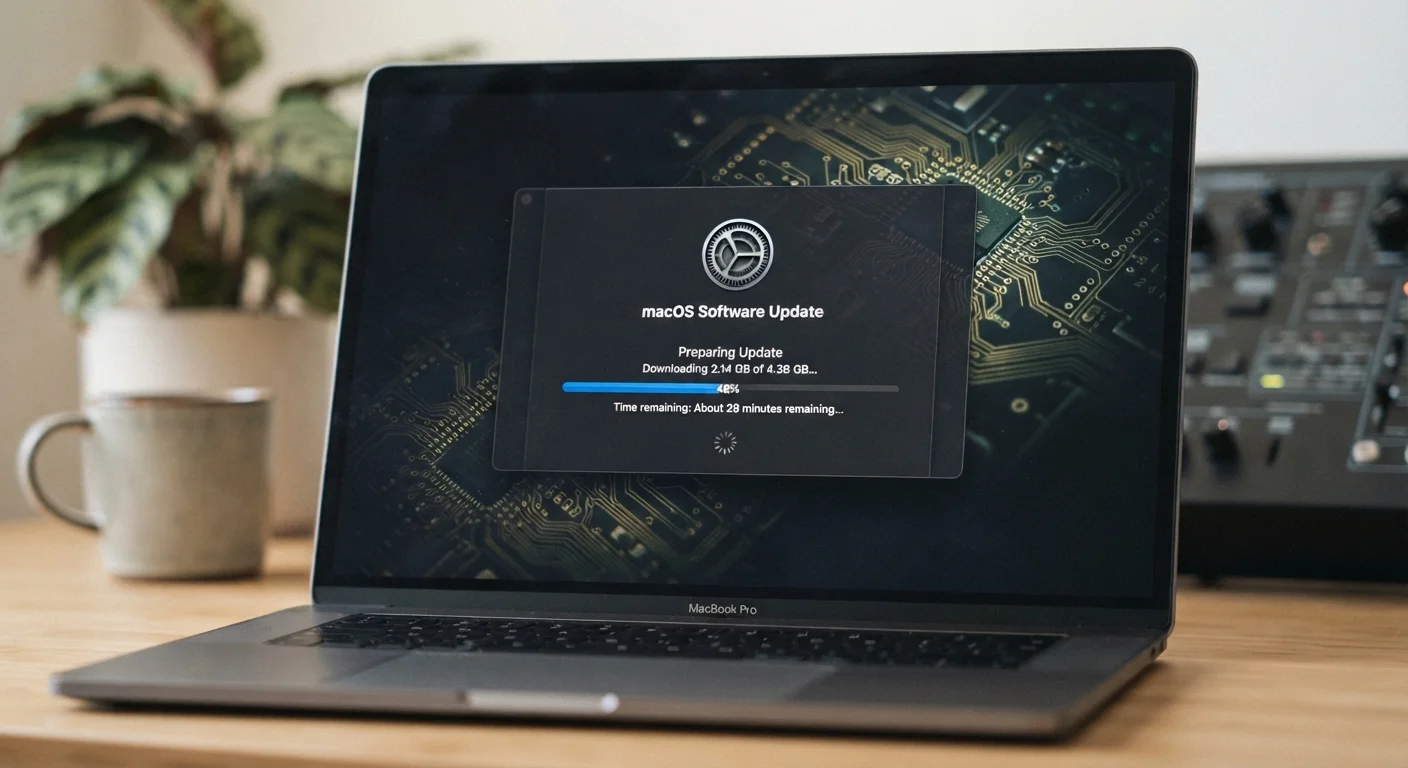
Photo: InDepthReads.com | Streamlining Learning For All editorial
Why These Terms Get Confused
Your router asks for a firmware update. Your laptop needs a driver refresh. Your phone wants to install the latest software. To most people, these all look the same - an update notification to accept or dismiss. But each one refers to a fundamentally different layer of how your device works.
Understanding the difference isn't just trivia. It helps you prioritize updates, troubleshoot problems, and recognize what a change actually means for your device's behavior. See our consumer electronics starter's guide for the broader picture of how devices come together.
Updates Aren't Always Interchangeable
Firmware, Software, and Drivers - Defined
Firmware is the deepest layer. It lives on a chip inside the device and tells the hardware how to behave at a fundamental level - before anything else loads. A router's firmware controls how it handles network traffic. A camera's firmware governs how the sensor captures an image. Firmware updates are less frequent but significant, often fixing security flaws or enabling new hardware capabilities. For smart home devices especially, firmware updates can be critical; learn more about what that means in practice at smart home devices: what they offer and where they fall short.
Software - including apps and operating systems - sits above firmware and is what most people interact with daily. When your phone downloads a system update or an app refreshes automatically, that's software. It can be installed, removed, or rolled back without touching the hardware's core functions. Software updates range from minor patches to full version upgrades that change how an interface looks and works.
Drivers are the translators. They sit between an operating system and a specific piece of hardware, letting the two communicate reliably. A printer driver tells Windows exactly how to send a document to that printer's hardware. A graphics driver helps your OS use your GPU efficiently. Without the correct driver, hardware may work partially, poorly, or not at all. Outdated drivers are a common and under-appreciated cause of device slowdowns - a topic explored further in why gadgets slow down over time.
Firmware
Low-level software permanently stored on a chip inside a device that controls how the hardware operates. Unlike regular software, firmware runs before the operating system and rarely changes after manufacturing.
Software
Programs and applications that run on top of an operating system and perform tasks for the user. Software is installed, updated, and removed without affecting the device's core hardware functions.
Driver
A small program that allows your operating system to communicate with a specific hardware component, such as a printer, graphics card, or audio chip. Without the correct driver, the OS cannot reliably use that hardware.
Operating System (OS)
The foundational software that manages a device's hardware resources and provides an environment for other programs to run. Common examples include Windows, macOS, Android, and iOS.
Patch
A targeted update issued to fix a specific bug, vulnerability, or performance issue without delivering a full version upgrade. Patches are often released between major update cycles.
Bootloader
A very small program that initializes hardware and loads the operating system when a device is powered on. It runs before firmware or the OS and is rarely updated by everyday users.
OTA Update
Short for 'over-the-air,' an OTA update is delivered wirelessly to a device rather than requiring a physical connection to a computer. Most smartphones and smart home devices use OTA updates.
Rollback
The process of reverting a device to a previous version of its firmware, software, or drivers after an update causes problems. Not all devices or software support rollback.
Quick Reference: At a Glance
Use the facts below as a fast-reference summary when you encounter update prompts and want to understand what's actually changing on your device.
| Firmware location | Stored on non-volatile memory (ROM or flash chip) inside the device |
| Who typically updates firmware | The device manufacturer, via official update channels |
| Driver updates managed by | Operating system, hardware manufacturer, or both |
| Software update frequency | Ranges from daily (apps) to annually (major OS versions) |
| Devices with firmware | Routers, printers, TVs, cameras, smart home gadgets, cars |
| Risk of skipping updates | Security vulnerabilities, bugs, and compatibility problems |
One practical note: driver updates on Windows are often handled automatically through Windows Update, but hardware manufacturers sometimes release newer versions through their own websites. For Bluetooth peripherals, understanding hardware versions can also clarify why a driver update matters - see Bluetooth versions explained for context on how hardware and software interact there.
Keeping all three layers - firmware, drivers, and software - reasonably current reduces security exposure and helps your devices run as intended. When something behaves unexpectedly after an update, knowing which layer changed is the first step to diagnosing why.
The content on this site is for informational purposes only and is not a substitute for professional advice. Always consult a qualified professional for guidance specific to your situation.