
Bluetooth Versions: Why the Number on the Box Actually Matters

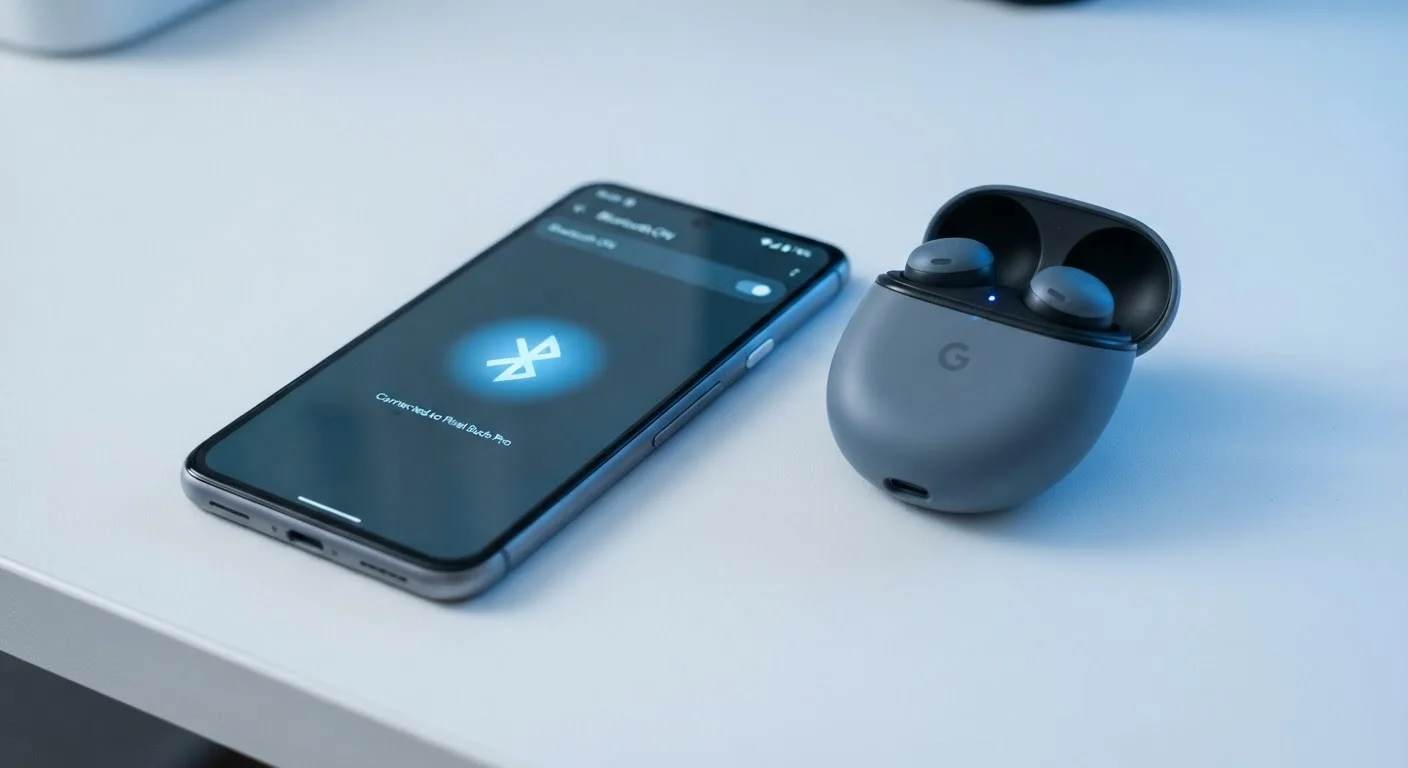
Photo: InDepthReads.com | Streamlining Learning For All editorial
Key Takeaways
- Higher Bluetooth version numbers generally mean better range, speed, and battery efficiency.
- Two devices always connect using the capabilities of the older version between them.
- Bluetooth 4.0 introduced Low Energy (LE) mode, still used widely in fitness trackers and sensors.
- Bluetooth 5.0 and later doubled or quadrupled range compared to version 4.x.
- Audio quality improvements like those in Bluetooth 5.2 depend on both devices supporting the same codec.
- Version numbers alone don't tell the whole story - device implementation also affects real-world performance.
A Brief History of Bluetooth Versions
Bluetooth has been a staple of wireless connectivity since version 1.0 launched in 1999. Early versions were limited in range, prone to interference, and consumed significant power. Version 2.0 introduced Enhanced Data Rate (EDR), meaningfully boosting transfer speeds. Version 3.0 added high-speed data transfer by briefly leveraging Wi-Fi channels for large file transfers.
The real turning point came with Bluetooth 4.0, released in 2010. It introduced Bluetooth Low Energy (BLE) - a separate operating mode designed for devices like heart rate monitors and smartwatches that send small bursts of data infrequently and need to run for months on a coin-cell battery. BLE became the backbone of the modern smart home and wearables market.
Just as USB versions can cause confusion on cables and ports, Bluetooth version numbers carry more technical weight than they might initially appear to on a product box.
4x
Range increase from Bluetooth 4.2 to 5.0
Bluetooth SIG documentation notes that Bluetooth 5.0 quadrupled the theoretical range for BLE connections compared to version 4.2 under ideal conditions.
2x
Speed increase in Bluetooth 5.0 BLE mode
Bluetooth 5.0 doubled the data transfer rate for Low Energy connections, from 1 Mbps to 2 Mbps, according to the Bluetooth SIG specification.
1999
Year the first Bluetooth standard launched
Bluetooth 1.0 was released by the Bluetooth Special Interest Group in 1999, marking the beginning of mainstream short-range wireless device connectivity.
What Changed in Bluetooth 5.0 and Beyond
Bluetooth 5.0, released in 2016, marked the most significant leap in years. It doubled the transmission speed of BLE connections (from 1 Mbps to 2 Mbps), quadrupled the range in open-air environments (theoretically up to 800 feet under ideal conditions), and increased the size of broadcast messages - useful for beacon technology in retail and navigation.
Bluetooth 5.1 added direction-finding capabilities, allowing devices to estimate the precise location of a connected accessory - the technology behind features like "find my item" trackers. Bluetooth 5.2 introduced LE Audio, a framework supporting a new audio codec called LC3 that delivers cleaner sound at lower bitrates, plus a broadcasting feature called Auracast. Bluetooth 5.3 refined connection reliability and reduced interference in congested wireless environments.
These improvements matter practically. A Bluetooth 5.0-equipped phone pairing with 5.0 headphones in a large home will hold a connection more reliably across rooms than a 4.2 pairing would. For smart home environments - where multiple devices compete for the same airspace - this reliability gain is real. See how Bluetooth interacts with your broader connected ecosystem in our look at smart home device trade-offs.
Check Both Devices Before You Buy
What Version Numbers Don't Tell You
Version numbers are a starting point, not the full picture. Two devices can both advertise Bluetooth 5.0 yet perform very differently in practice, because implementation quality - antenna design, chipset, software stack - varies significantly between manufacturers.
Audio quality is a common source of confusion. The Bluetooth version does not determine sound quality on its own; the audio codec does. Codecs like SBC (the universal baseline), AAC (common on Apple devices), aptX, and aptX HD are negotiated separately from the Bluetooth version. A newer version doesn't automatically mean better-sounding audio unless both devices share a high-quality codec.
Similarly, the theoretical range figures attached to Bluetooth 5.0 (up to 800 feet) assume line-of-sight, open-air conditions with no interference. In a real apartment with walls, microwaves, and a dozen neighboring Wi-Fi networks, practical range is a fraction of that. Understanding how device firmware and software affect your hardware's real-world behavior is worth exploring - our firmware and software glossary explains how those layers interact.
How to Use This Information When Choosing Devices
When evaluating a wireless device, checking the Bluetooth version is a reasonable baseline step - but pair it with a few other questions. First, does the device use Classic Bluetooth, BLE, or both? Classic Bluetooth handles continuous data streams like audio; BLE handles low-power, intermittent data like fitness metrics. Many modern devices support both modes (called Bluetooth Dual Mode).
Second, what audio codec does it support? For headphones or speakers, look for codec compatibility in the spec sheet rather than relying on the version number alone. Third, consider what it will connect to. If your phone supports Bluetooth 5.2 and your new headphones only support 4.2, the connection defaults to 4.2 capabilities - a real-world consideration for anyone investing in higher-end audio hardware.
Version 4.0 and above is generally more than sufficient for most everyday use cases: audio streaming, keyboard and mouse connectivity, fitness trackers, and basic smart home sensors. Bluetooth 5.0 or higher becomes meaningfully valuable when range, multi-device reliability, or LE Audio features are priorities.
Bluetooth Profiles Matter Too
Frequently Asked Questions
The content on this site is for informational purposes only and is not a substitute for professional advice. Always consult a qualified professional for guidance specific to your situation.